1 Scan
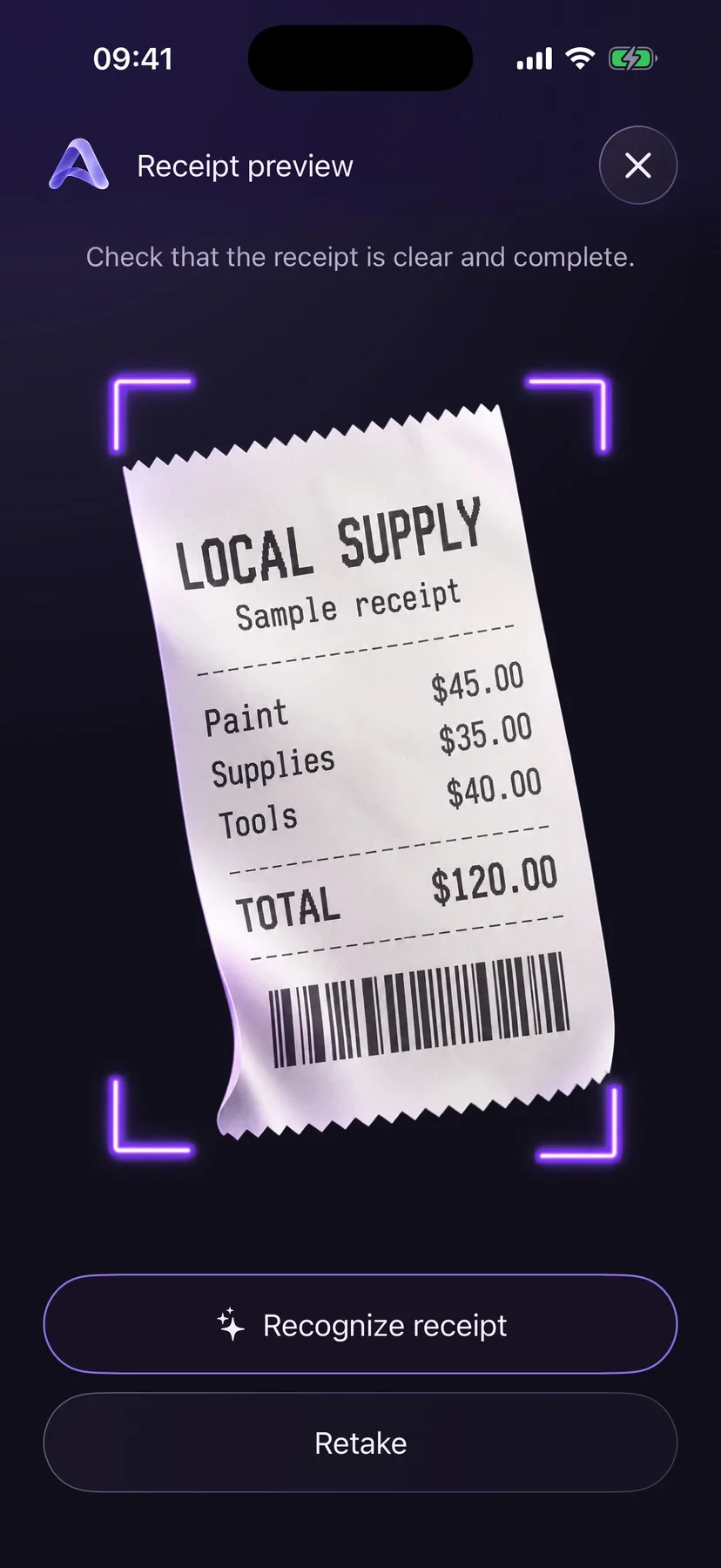
Point at a receipt.
Take a photo or pick one from your library. Actualio reads it and prepares a draft, and the original stays attached to the expense.
For iPhone · In development
Scan it, say it or type it. Actualio turns every purchase into a clear picture of what your projects really cost.
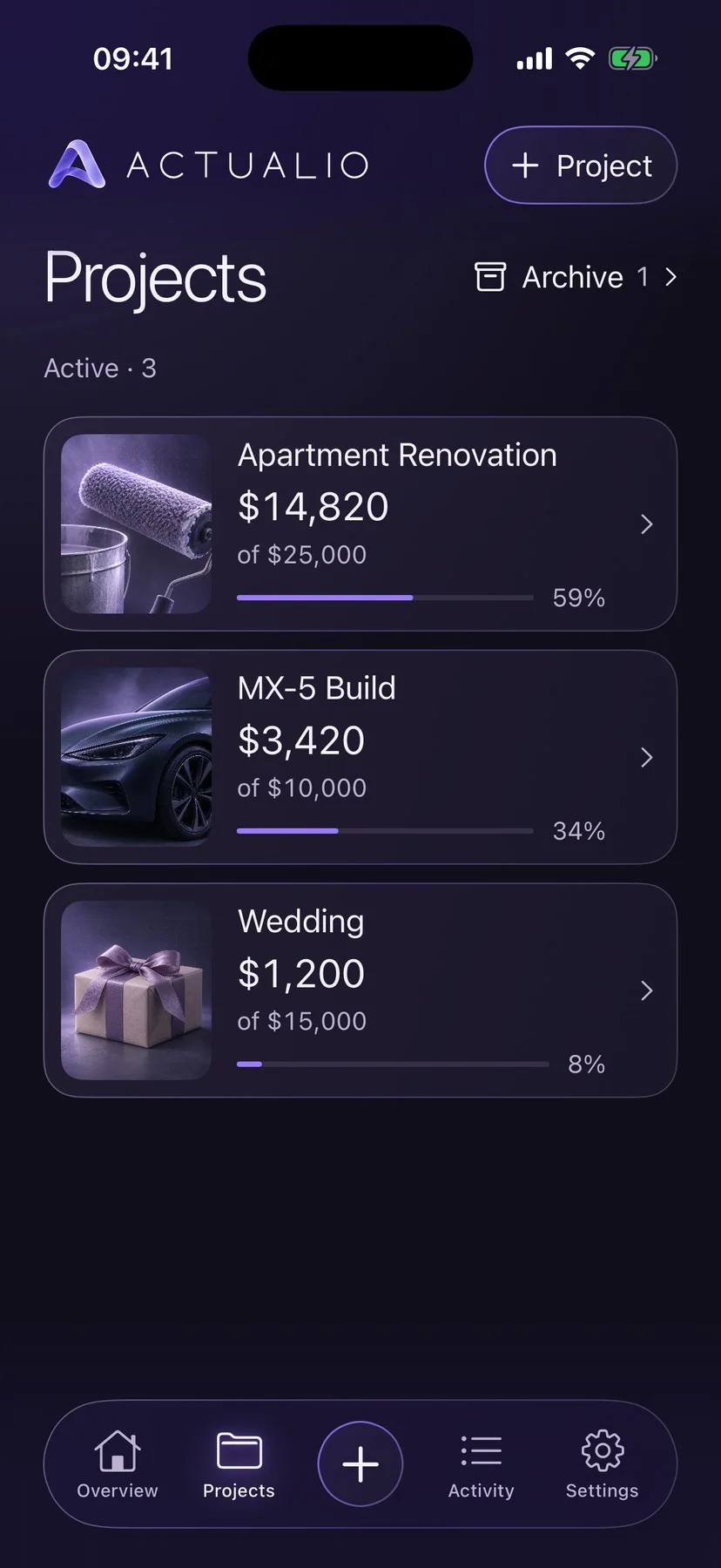
Life doesn’t fit into one category. A renovation, a trip, a wedding, a move: every plan deserves its own place, its own budget and its own clear picture.
01 / Capture
1 Scan
Take a photo or pick one from your library. Actualio reads it and prepares a draft, and the original stays attached to the expense.
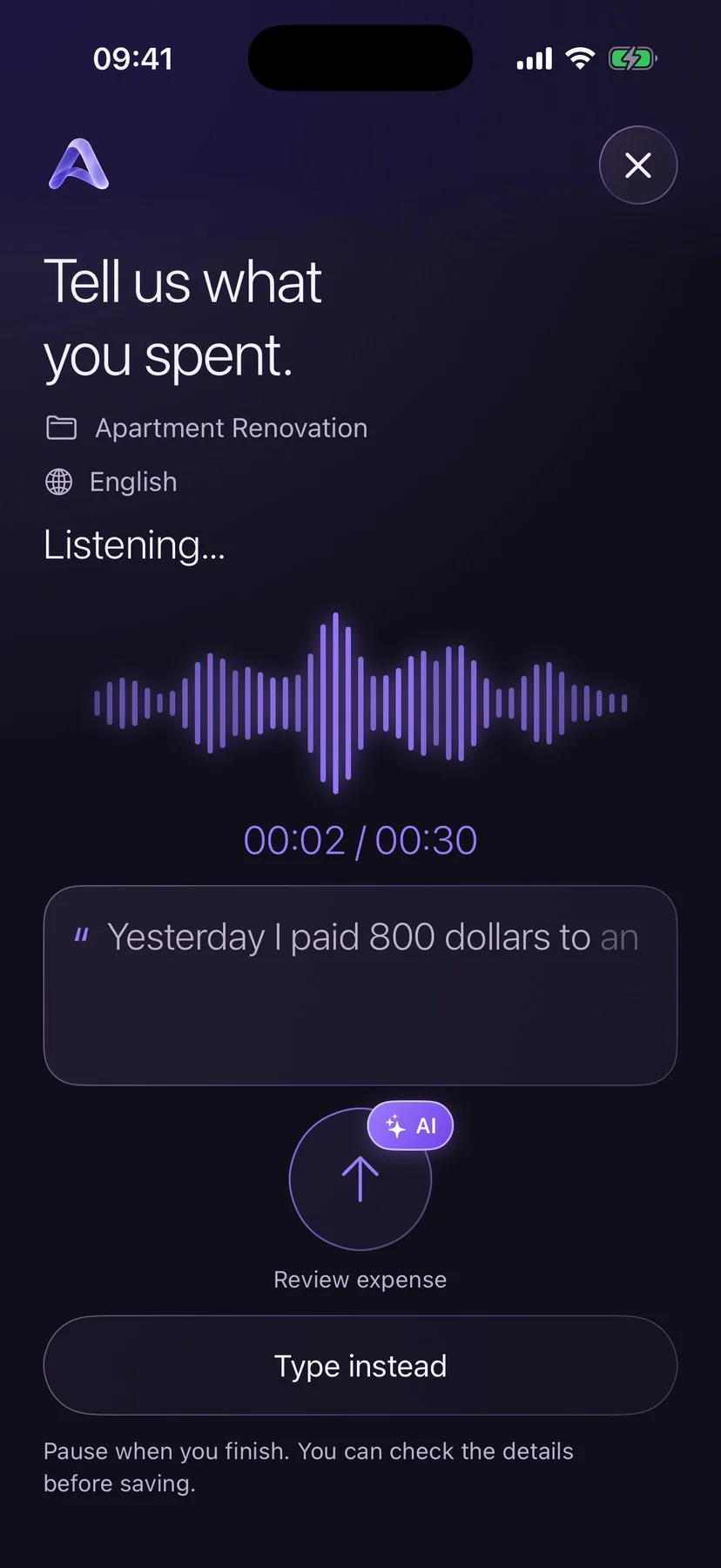
2 Say
“Yesterday I paid 800 dollars to an electrician.” Speak naturally, and the amount, date, project and category land in the right fields.
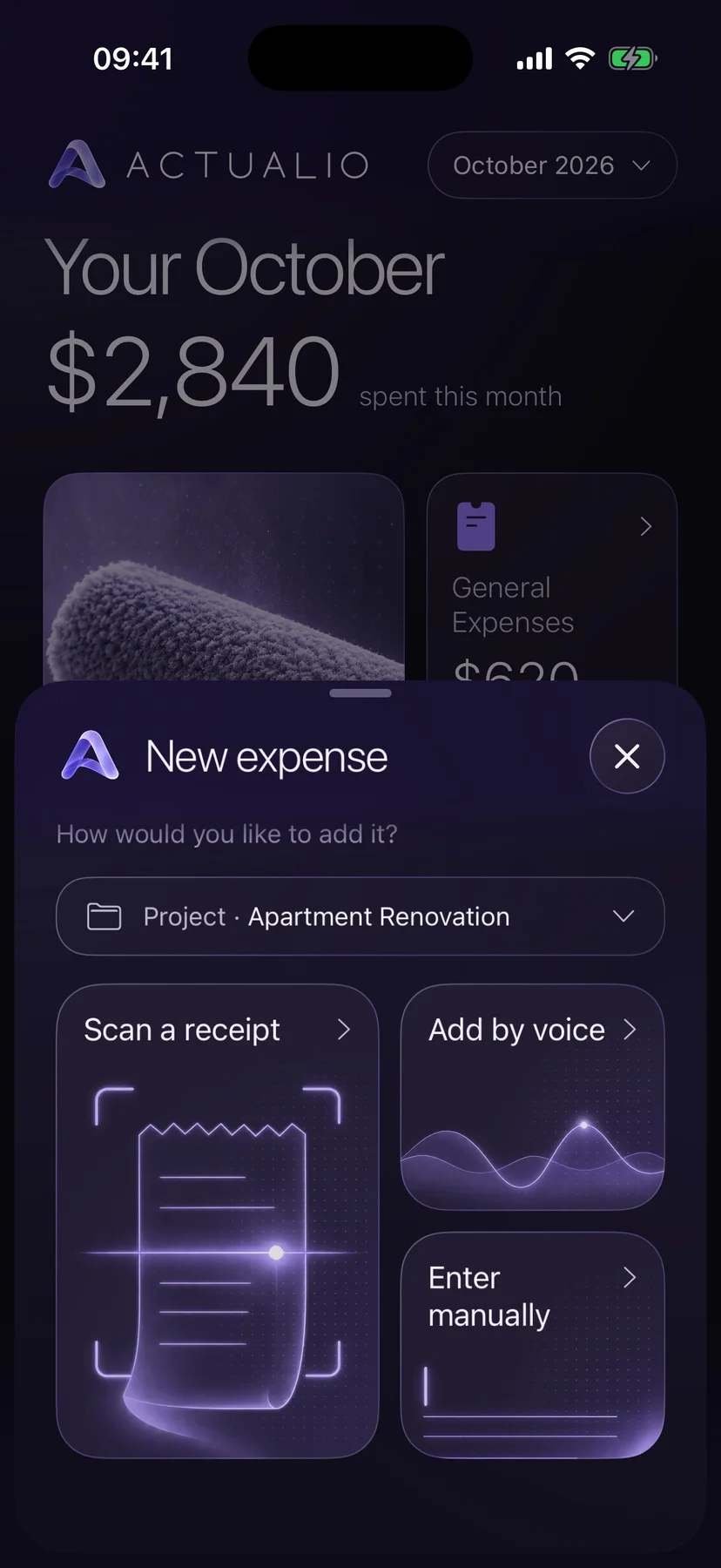
3 Type
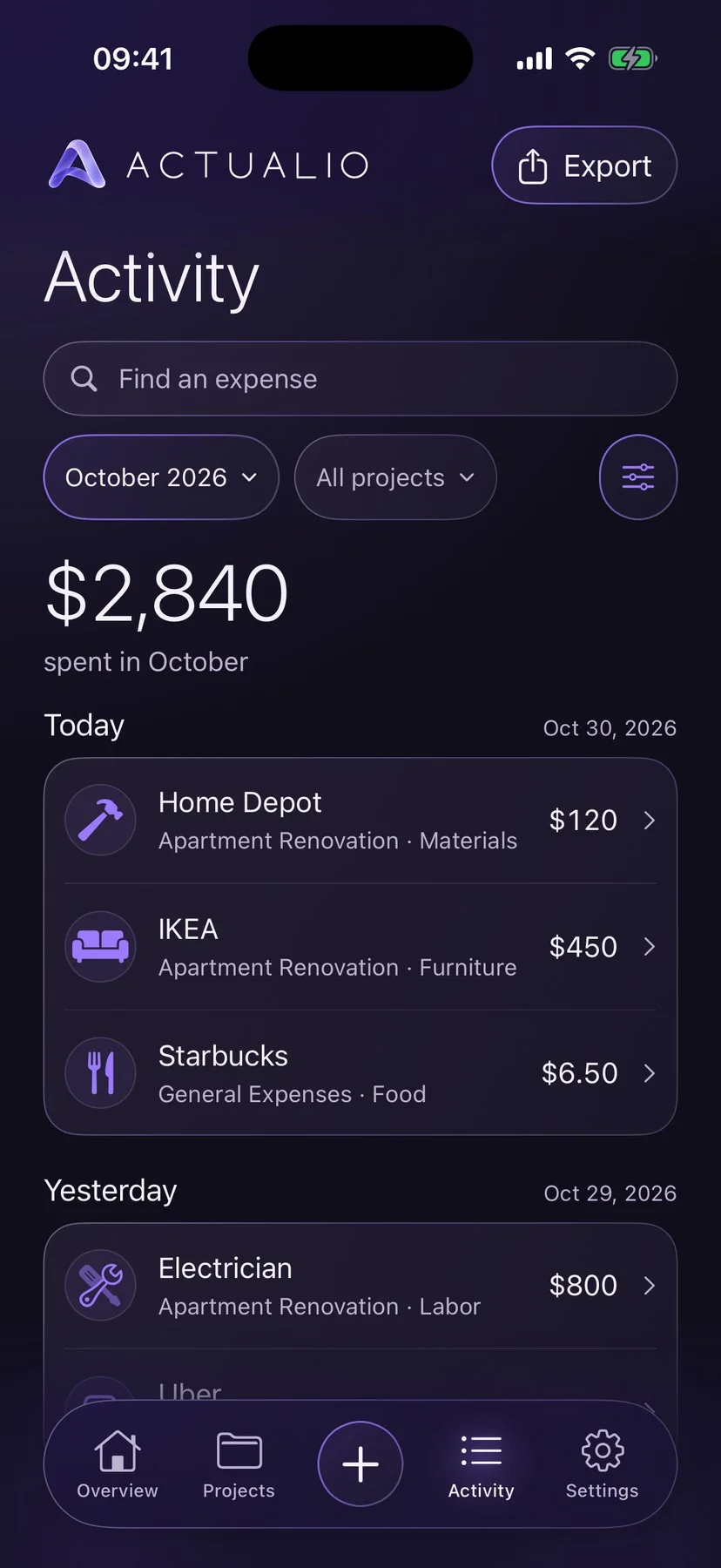
Prefer the keyboard? Start with the amount and add the rest only when it helps. Everyday purchases have a home in General Expenses.
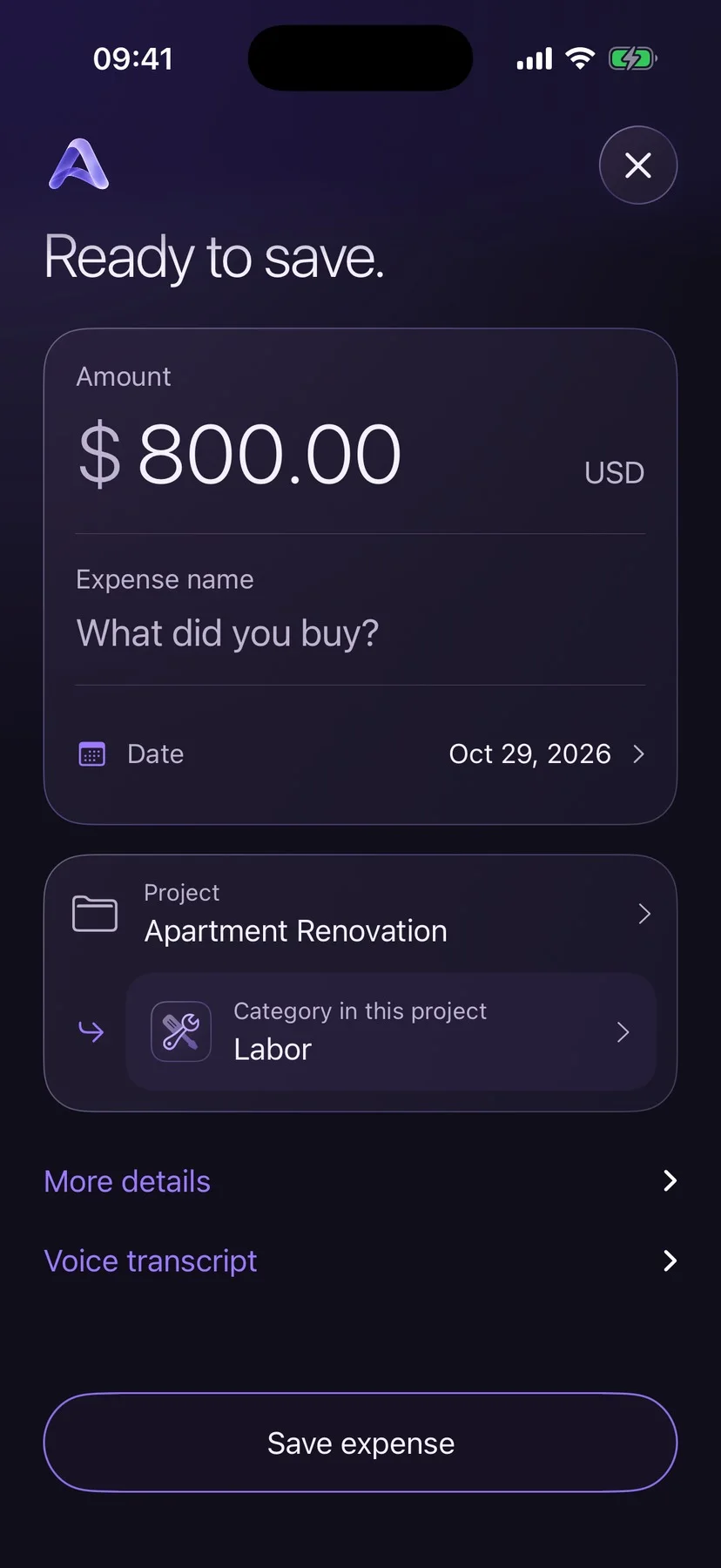
✓ You decide
AI only suggests. You see the draft, correct what you like and press save. Prefer no AI at all? Manual entry always works.
02 / Projects
Give each one a cover, a name, categories of its own and a budget if you want one. All examples are illustrative.

$14,820 of $25,000

$1,200 of $5,000

$3,420 of $10,000

$1,200 of $6,000

$840 of $2,500

$640 no budget needed
03 / The big picture
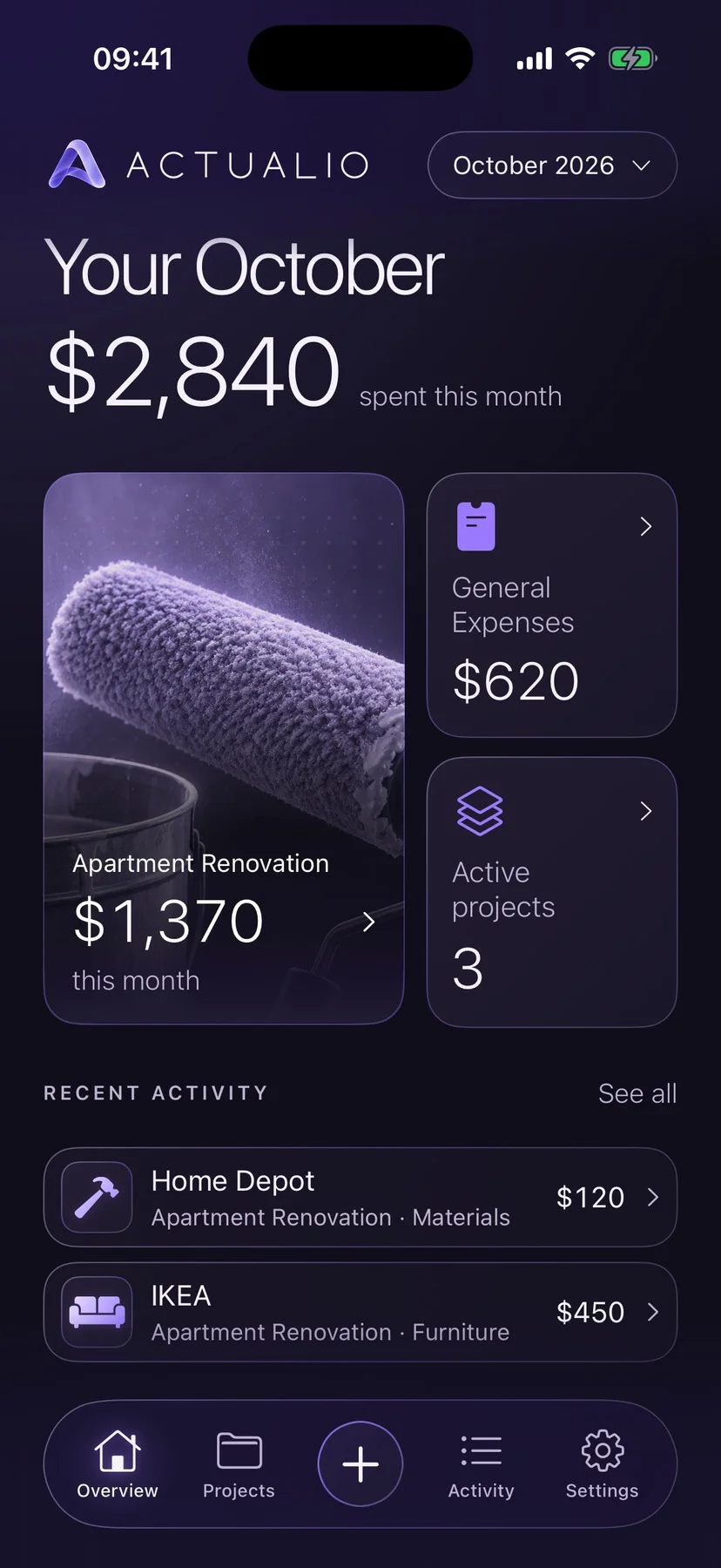
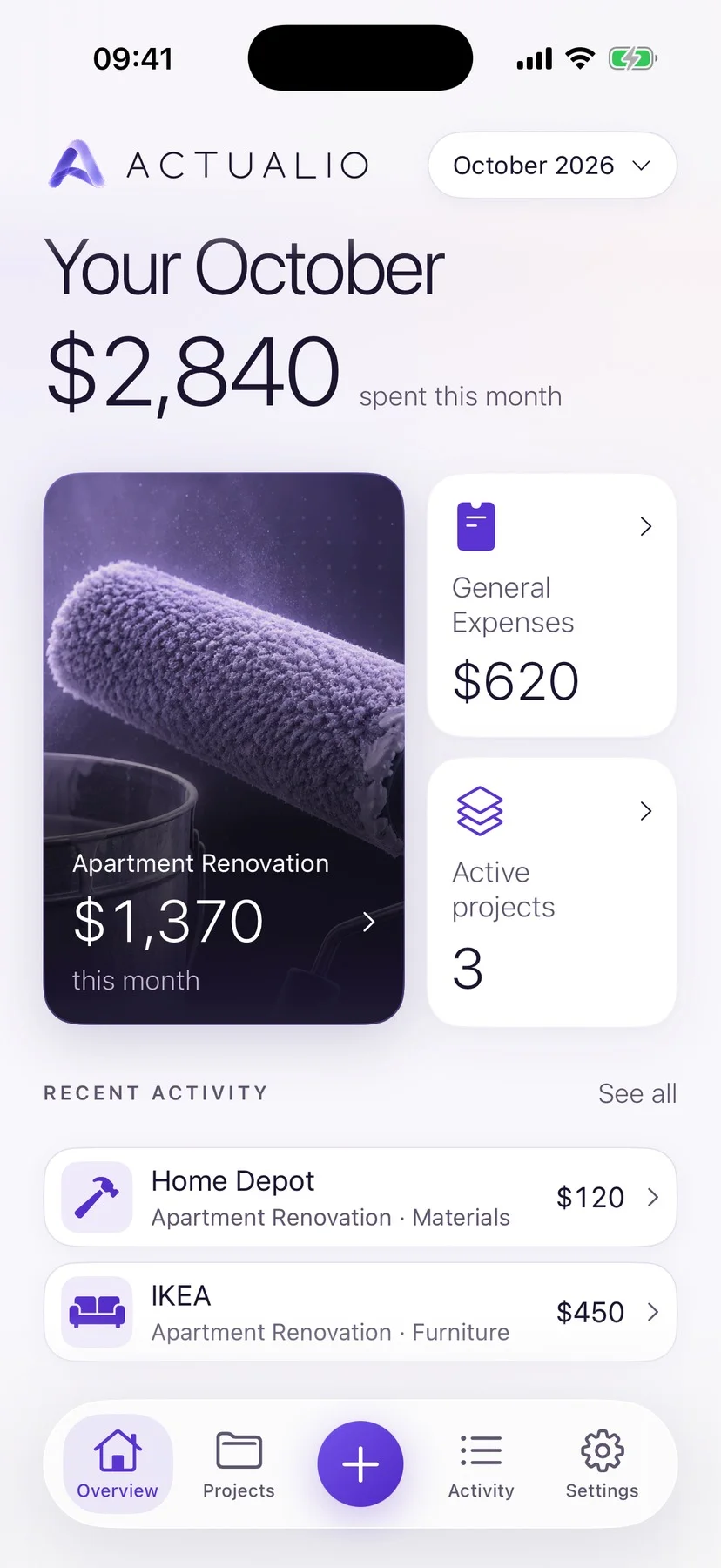
See what each project really costs, where the money went and what’s left, all on one screen.
04 / The details
Export a project or filtered history as PDF or CSV. PDFs can include your receipt images.
View a sample report (PDF, opens in a new tab)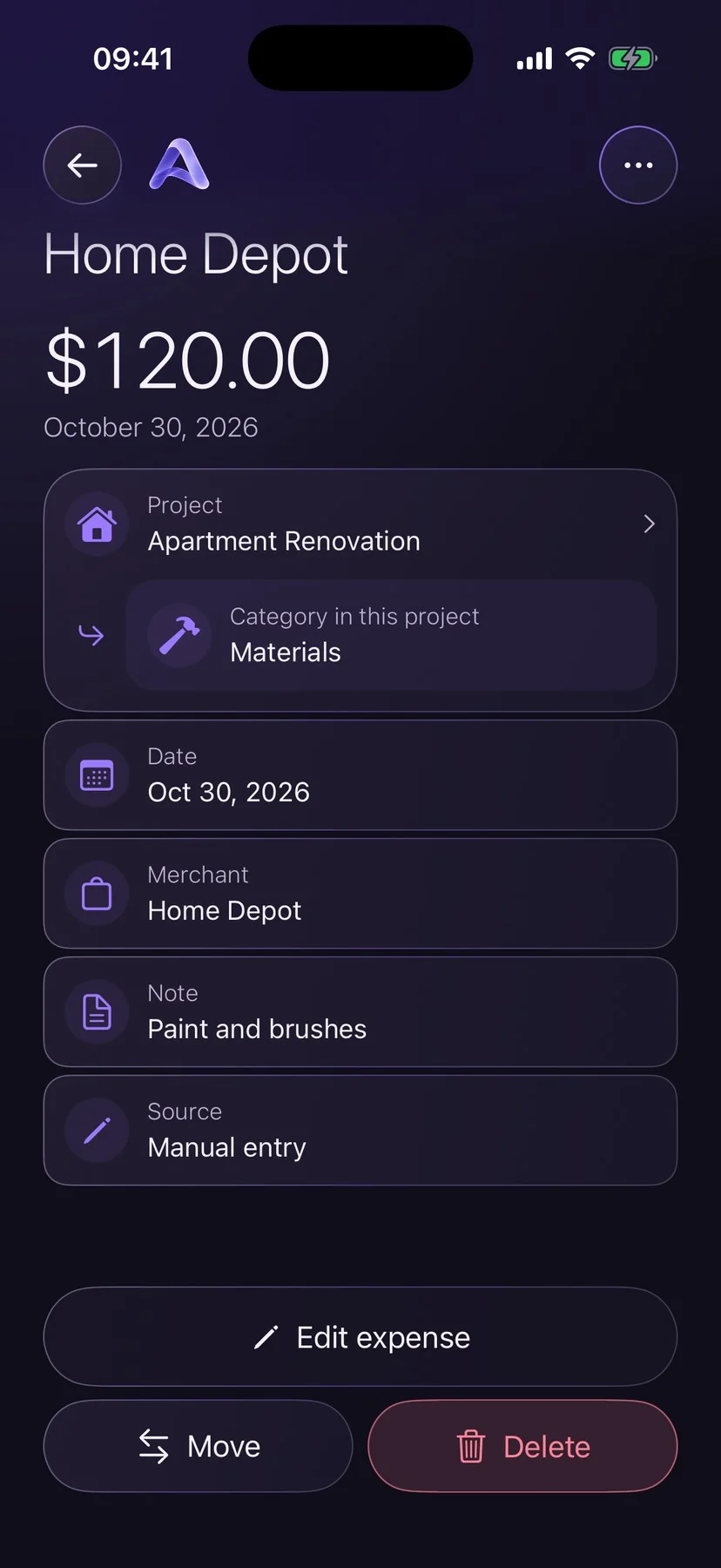
Merchant, note, date and receipt, kept with every expense.
Name them your way, separately for every project.
A single account currency. No exchange rates quietly changing your records.
Sign in with Apple, Google or email to keep projects and expenses in your account.
05 / Day and night
A deep violet night and a bright pearl day, designed as two sides of one world. Actualio follows your iPhone, or stays the way you choose.
Drag across the screen.
No bank connection. No advertising trackers on this site. AI is optional and asks first. Edit anything, delete everything.
A renovation, a car project, a trip, a celebration, a move, or a project of your own. General Expenses keeps everyday purchases separate from your bigger plans.
No. A project can simply collect expenses and show how much you’ve spent. Add a budget if you also want to see what’s remaining.
Scan a receipt or dictate a purchase, and optional AI processing suggests a draft. You review it and decide whether to save. Before the first use, Actualio asks your permission, and manual entry is always available. More in our privacy policy.
You can export a whole project or your filtered expense history to PDF or CSV. Reports include totals and expense details, with receipt images as an optional appendix. Open an example report (PDF, opens in a new tab).
No. Actualio uses one currency across your account. Changing it changes the currency shown on your records; it does not apply exchange rates or convert existing amounts.
Actualio is currently in development for iPhone. A download link will appear here when there is a public App Store release. For product questions or support, email support@actualio.app.

Actualio for iPhone is in development. Questions, ideas or a little feedback? We’re listening.
Say hello support@actualio.appFor account or privacy requests, write from your account email. Never send passwords or sign-in codes.